
To find Umbrella UTM attributed revenue in Shopify, please follow these steps. If you are still connecting your store, start with the Shopify integration setup guide. For an overview of the service, explore the Umbrella Shopify integration.
Step 1: Log in to your Shopify store and click on Marketing tab and select Attribution.
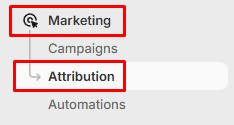
The window will open up showing UTM attributed data from different platforms.
Step 2: Select the time range at the top. Make sure Channels are selected at the top.
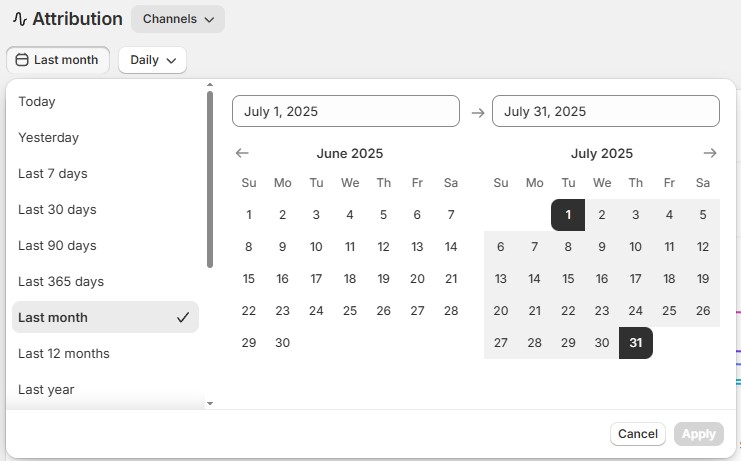
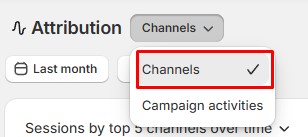
Step 3: Scroll down to the table with attributions and find Umbrella channel.

The revenue data will be displayed in the table.
To find dedicated coupon revenue in Shopify, follow these steps.
Step 1: Log in to your Shopify store. Click on Analytics tab and select Reports.
On the Reports page, select “Sales by Discount Code”.
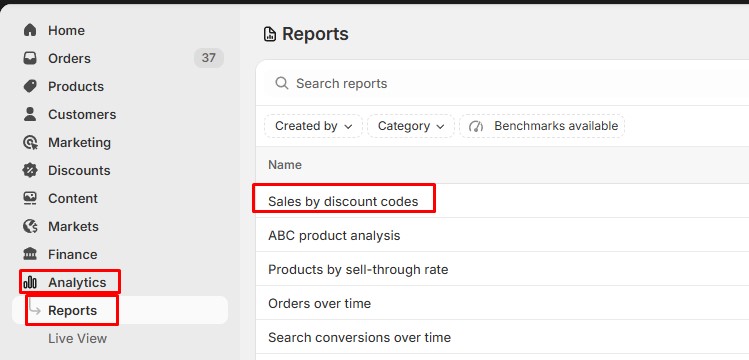
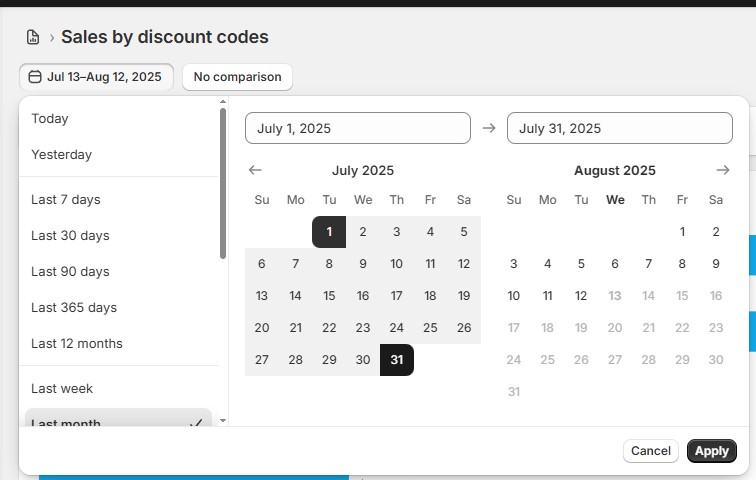
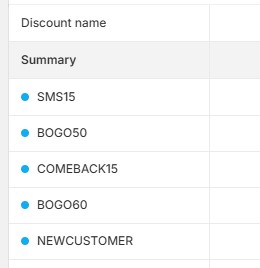
Step 2: Select the time range and find the specific coupon code.

Comments are closed